🧭
Multiple dashboards
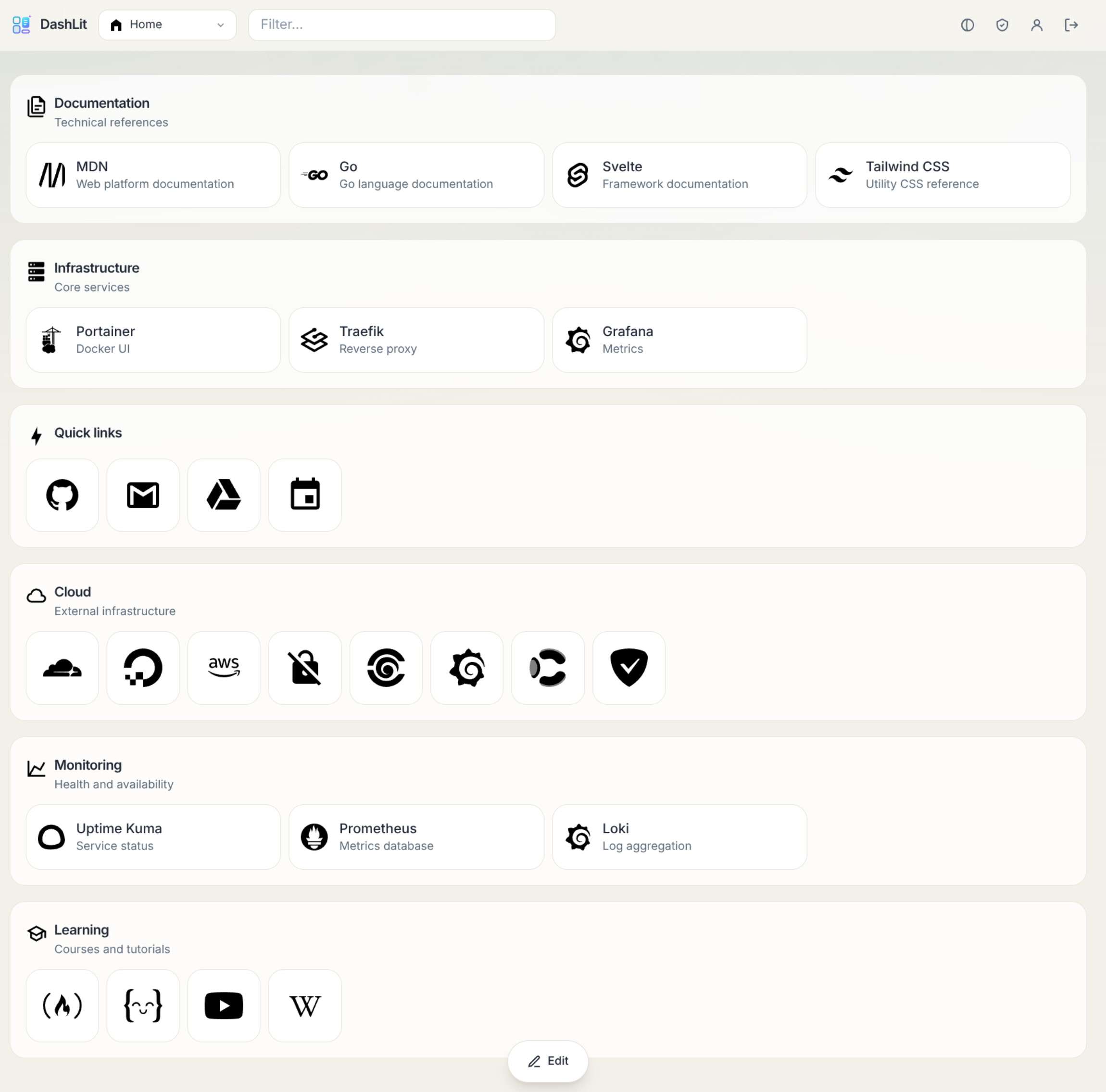
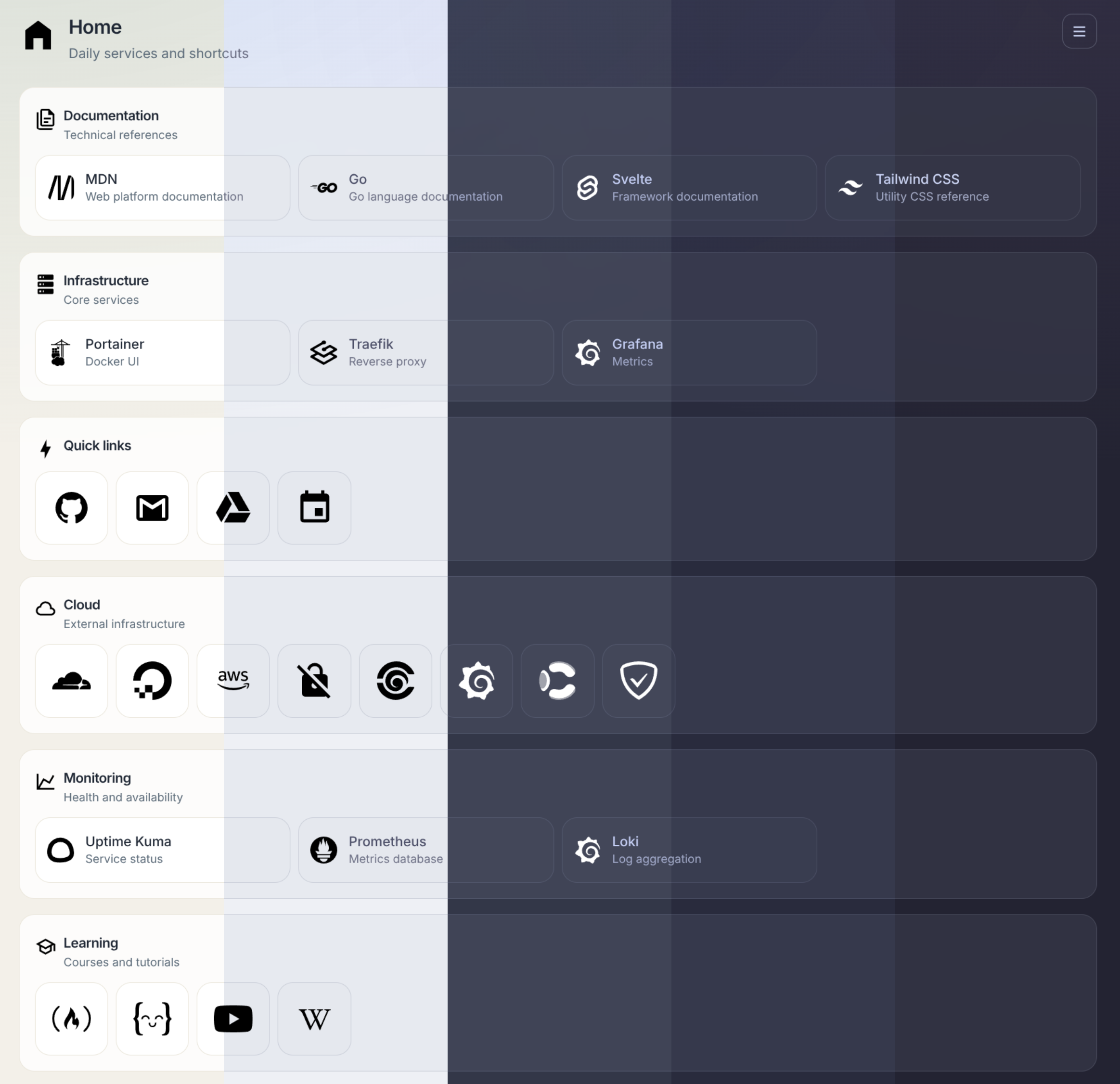
Organize links into dashboards and groups, then choose rows, columns, or masonry layouts.
A fast, modern, self-hosted home for links, tools, and service status — packaged as a single container.

DashLit gives teams, homelabs, and individuals a focused place to reach the services they use every day. It ships as a Go server with the Svelte interface embedded, so deployment is just one container and one persistent data directory.
Create docker-compose.yml:
services:
  dashlit:
    image: ghcr.io/codewec/dashlit:main
    ports:
      - '3000:8080'
    environment:
      JWT_SECRET: replace-with-a-long-random-secret
    volumes:
      - dashlit-data:/data

volumes:
  dashlit-data:
Start it:
docker compose up -dOpen http://localhost:3000, create the first account, and begin building your dashboard. The first account is granted administrator access automatically.
Have a setup question or want to show how you use DashLit? Start a discussion. If you found a bug or have a concrete feature proposal, open an issue.